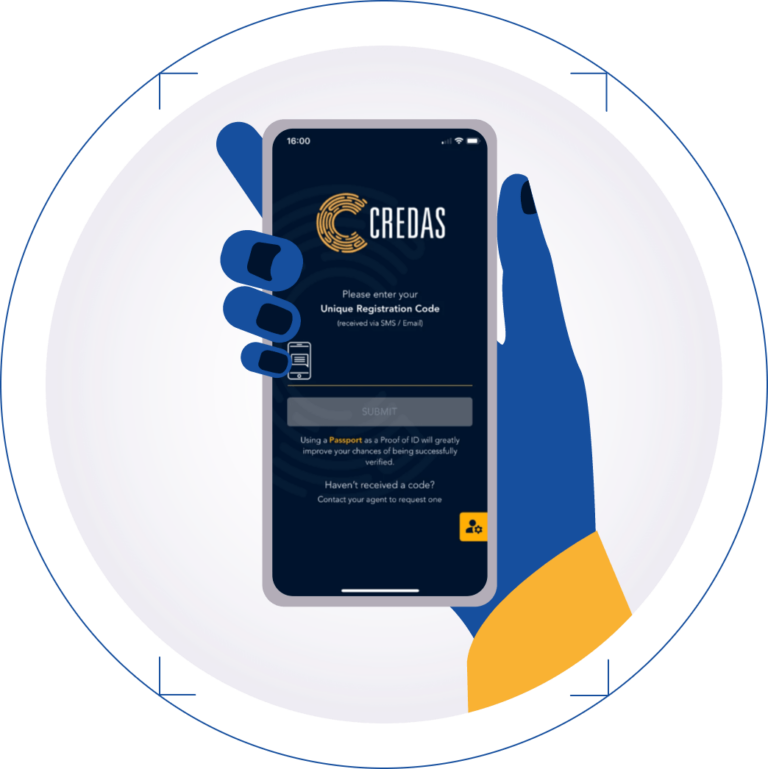
If you’re buying or selling a property in Scotland, your solicitor will ask you to prove your identity. At Kaur Sutherland, we use Credas ID verification to help you complete this step from your smartphone.
If you’ve just received an invitation to complete Credas ID verification, here’s why we’ve sent it, what to have ready and what to expect once you open the app.
Why does my conveyancing solicitor need to check my ID?
Scottish solicitors must follow anti-money laundering rules. As part of those checks, we need to confirm who we’re acting for. That means recording details such as your full name, date of birth and current address, then verifying your identity. These checks are a routine part of buying or selling a property, including if you’ve used the same solicitor before.
If you’re buying, we may also ask for information about where the money for your purchase has come from. Your solicitor will explain what you need to provide for your particular transaction. Read the Law Society of Scotland’s guide to client ID checks.
How to complete your Credas ID verification
Before you start, have your invitation email, smartphone and ID document to hand. We recommend using your passport if you have one. If you’re unsure which documents you can use, get in touch with our team before starting.
1. Open your Credas invitation email
Select ‘Register Now‘ in your invitation, then follow the prompts to download the Credas app for iPhone or Android. If you’ve opened the email on a computer, you can scan the QR code on screen with your phone’s camera.
2. Enter your registration code
Open the app and enter the registration code from your original email. Read and accept the terms and conditions, then enter your full name, date of birth and current address. If your address doesn’t appear in the search results, you can enter it manually.
3. Photograph your ID
Choose the document you’re using and allow the app to access your camera. If you’re using a passport, open it to the photo page and line it up with the guides on screen. Take the photo and follow any further prompts to scan your passport.
4. Take your selfie photos
To finish your Credas ID verification, follow the app’s prompts to take your selfie photos. Once you see the completion screen, you’ve finished your steps in the app.
What happens after I submit my Credas ID verification?
Once you’ve completed the steps in the app, our team will review the information you’ve submitted. If we need a clearer photo or some extra information, we’ll let you know what to send and how to provide it.
If you’re buying with a partner, friend or family member and we’re acting for both of you, we’ll need to verify each person’s identity. If you each receive an invitation, use the registration code in your own email.
If your name has changed since your ID was issued, for example after getting married, let us know before you start. We can explain what documents you may need to provide.
What if I can’t complete my Credas check?
If you can’t find your invitation, check your junk or spam folder first. If it’s still missing, you don’t have a smartphone or you’re unsure which ID to use, contact our team so we can talk you through your options. For help with the app itself, see the Credas guides and support for app users.
Buying or selling a property in Scotland?
Our residential conveyancing team can help with your purchase or sale and explain what you’ll need to get started. If you’re planning a move or have a question about an ID check we’ve sent you, get in touch with Kaur Sutherland.